What a professional small-business website should include
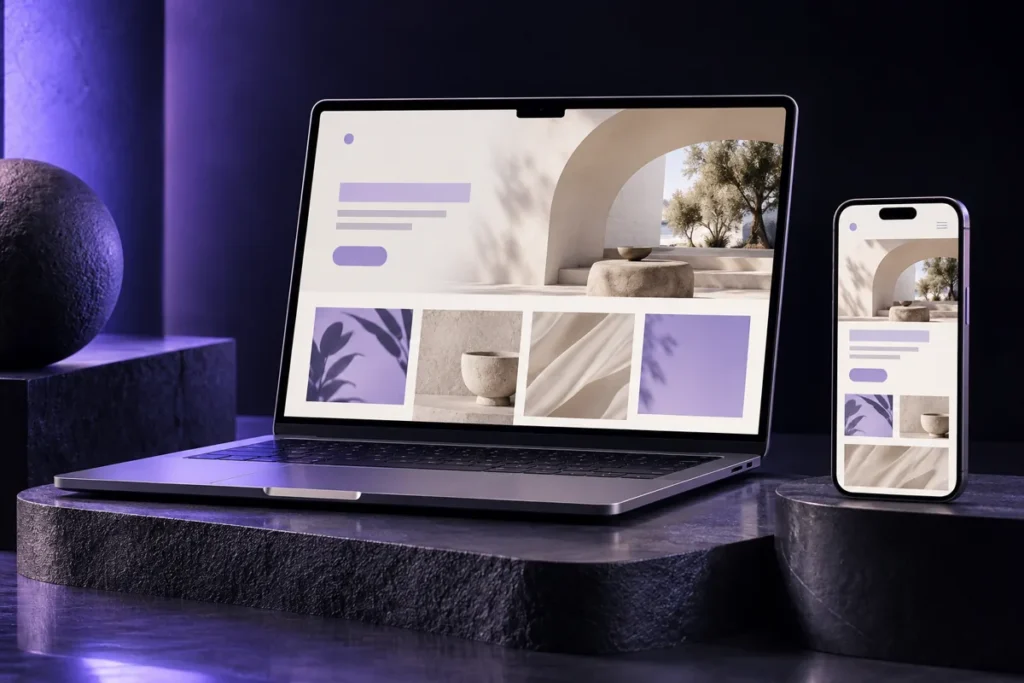
A professional small-business website helps visitors understand your offer, decide whether it fits their needs and contact you. Design matters, but every section needs a purpose. Before choosing colours or animations, decide what you want visitors to do.
This guide is for service businesses, studios and professionals seeking enquiries. Selling products with online payment also requires a catalogue and checkout.
1. Start with a specific goal
A salon may prioritise bookings, a renovation company quotation requests, and a consultancy discovery calls. Choose one main action and make it easy to find in your copy and buttons.
Write: “The website should help [customer type] request [service] through [form, call or booking].” Use this to decide what belongs in the launch and what can wait.
2. Explain your offer on the first screen
Visitors should recognise your service without interpreting abstract messages. Combine a specific headline, a short explanation and a clear action. “Interior design for homes in Valencia” says more than “We create unique experiences”.
- Name the main service and its audience.
- State your service area if it genuinely affects your offer.
- Use actions such as “Request a quote” or “Check availability”.
- Add your own image when it helps explain the business.
3. Give each service enough detail
A list of service names may leave questions unanswered. Explain the problem addressed, what is included, the process and the next step. If pricing depends on scope, say what information you need for a quote.
Avoid promises you cannot support. Explain your working process and what is agreed in the proposal instead of publishing results or deadlines that do not apply to every project.
4. Build trust with real information
Introduce the people behind the business and their relevant experience. Show projects with context, team photographs or reviews you have permission to use. A useful case study explains the brief, decisions and outcome without invented metrics.
If you do not yet have published projects, use examples clearly labelled as concepts. Do not present them as real clients.
5. Make mobile contact easy
Check that menus, buttons and forms work on a small screen. Ask only for information needed to answer the initial enquiry. Someone still comparing options may not be ready for a long brief.
Test the entire journey and confirm that a submitted message reaches its intended destination. See our contact form improvement guide for a checklist.
6. Prepare content for people and search engines
Use descriptive page titles and relevant subheadings. Link to important services internally. Give informative images useful descriptions and check for broken links.
Google recommends content created to help people rather than simply manipulate rankings. See its helpful content guidance. Clear structure supports understanding but does not guarantee a particular position.
Before requesting a quotation
- Define your main goal and audience.
- Prepare services, scope and FAQs.
- Gather authorised images, logos and examples.
- Identify who will answer enquiries.
- Describe editing, maintenance and booking needs.
Read what to prepare before designing your website. To turn your materials into a clear structure, tell Viesla Studio about your project.