From Instagram to the next appointment: organise your beauty business communication
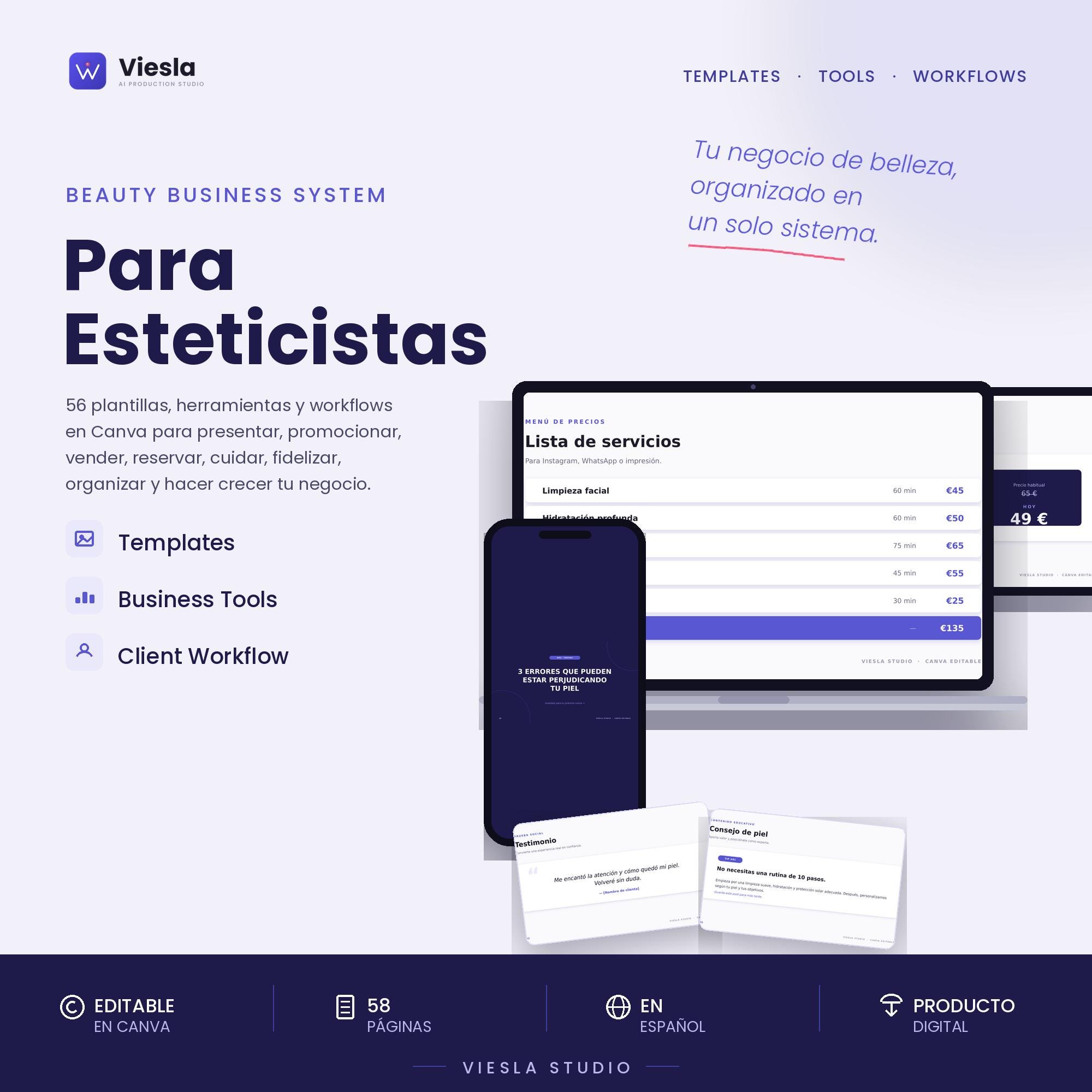
A Viesla Studio resource. This article presents a product from our own Etsy shop.
A client discovers your centre on Instagram, asks a question on WhatsApp and needs a clear next step. Starting every reply from scratch makes it easy to miss details or give inconsistent instructions. A small library of messages and visuals helps keep information organised.
Map the journey before writing messages
Think of six moments: discovery, enquiry, booking, appointment, follow-up and return visit. Answer one specific question at each stage. A post explains your offer; an enquiry reply guides the service choice; a confirmation summarises appointment details. One image does not need every piece of information.
What to prepare for each stage
- Introduction: identity, featured service and current price list.
- Enquiry: welcome and clear service or availability information.
- Booking: confirmation and reminder with date, time, location or agreed channel.
- Service: instructions appropriate to the treatment and your professional competence.
- Follow-up: a useful post-visit question where appropriate.
- Next appointment: an availability invitation, without promising results or persisting when unwanted.
Two messages to adapt
Confirmation: “Hi [name]. Your [service] appointment is confirmed for [day] at [time]. Reply here if you have any questions. Thank you for choosing [centre].”
Return visit: “Hi [name]. If you would like to arrange your next [service] appointment, we can check availability together. Let us know which days suit you.”
These are writing examples, not automatically sent messages. Check each appointment’s details and use the channel appropriately for your client relationship.
Resources for the whole journey
Viesla Studio’s Beauty Business System contains 58 editable Canva pages in Spanish, covering introduction, promotion, sales, bookings, WhatsApp, client care, reviews, rebooking and organisation, plus a coordinated feed and palette guide.
The download includes Canva template access, PPTX and PDF files, a starter guide, instructions, rebooking messages and a licence. The listing states that Canva Free is enough to customise the resources. Adapt copy, colours and images to your brand.
View Beauty Business System on Etsy ↗
What to personalise first
Replace all sample details. Check opening hours, services, conditions and contact channels. Cancellation, consultation and aftercare materials must reflect your real policies and professional guidance. A visual template does not, by itself, validate legal policies or healthcare advice.
Logs and planners are editable resources, not connected booking software; they do not send reminders for you. For cost and margin calculations, see the Excel and Google Sheets calculator.
Start with the most demanding stage
You do not need to personalise all 58 pages at once. Start with a welcome, a confirmation and a service post. Test them, fill gaps and expand later. If you only need posts, consider the Instagram kit, also included in the system.
Digital product: no physical item is shipped. Check current contents, requirements, price and licence on Etsy before purchasing.