How to review salon prices with Excel or Google Sheets
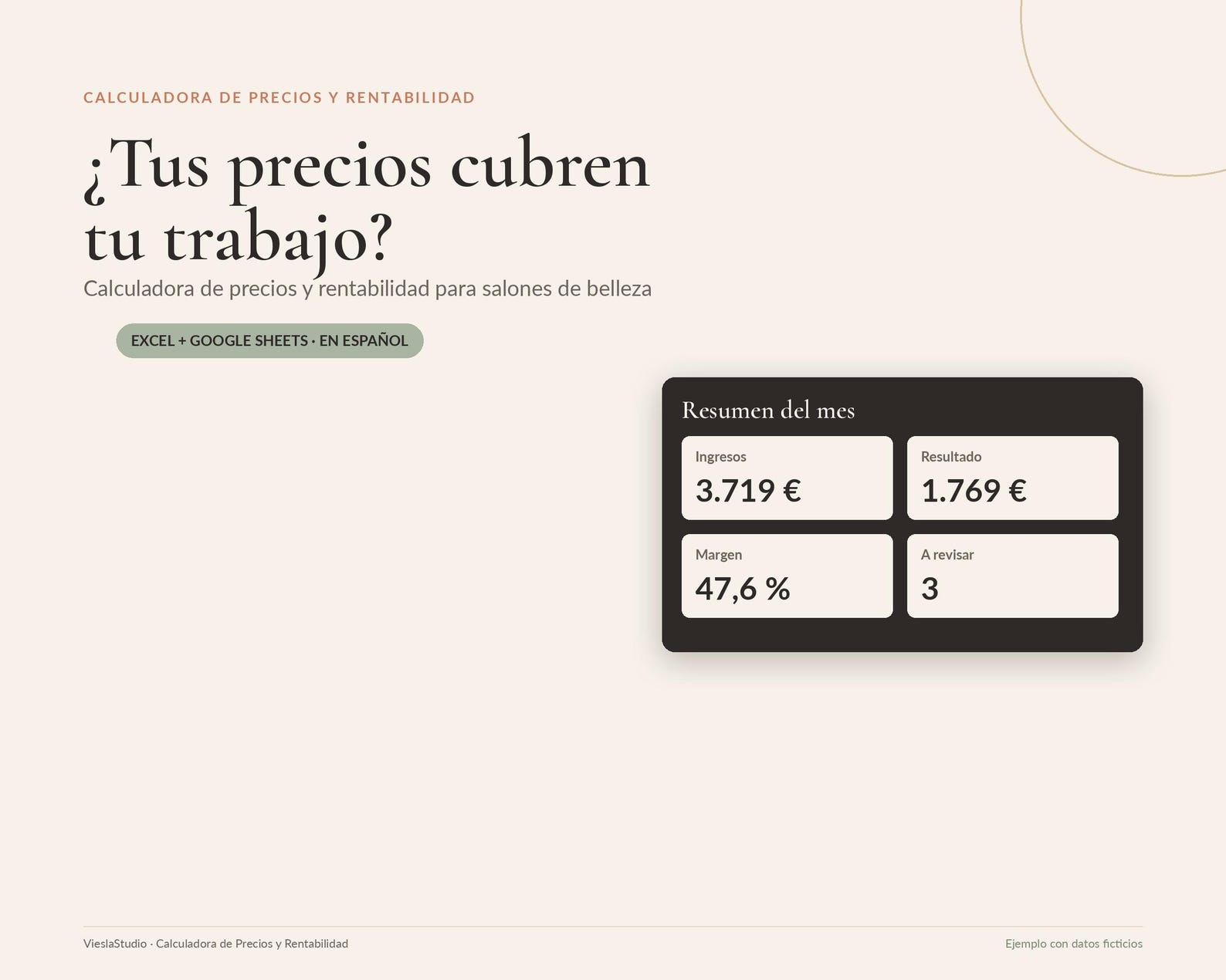
A Viesla Studio resource. This article presents a product from our own Etsy shop.
A full appointment book does not, by itself, tell you what remains from each service. Materials, appointment length, premises costs and the value of your time may be scattered across notes. Reviewing prices begins with bringing the data together and applying consistent rules.
What to prepare before opening a calculator
Start with a few services you know well. Record actual duration, materials used and costs to cover. Distinguish measurements from estimates; mark unknown amounts for review rather than treating them as final.
- Materials: consumed products, disposables and other direct appointment costs.
- Time: service delivery and related tasks relevant to planning.
- Fixed expenses: rent, utilities, tools and other business costs.
- Planned activity: days, hours and appointments you can realistically accommodate.
Check the logic before comparing results
Do not mix tax-inclusive and tax-exclusive amounts or count an expense twice when allocating it across services. Use consistent assumptions and check results against real data. The goal is a planning reference, not a universal price for every city or business.
If a service appears to leave little margin, recheck materials, duration and expense allocation. Useful results start with accurate inputs. Then consider adjusting the service, reviewing purchasing or assessing a price update.
What Viesla Studio’s calculator does
The Pricing and Profitability Calculator for Beauty Salons works in Excel and Google Sheets. It brings together materials, time and fixed expenses; compares current prices with a calculated reference; reviews estimated profit and margin; and compares appointment targets with planned capacity.
The product includes a 13-tab Excel calculator, a Google Sheets version, an example file with 16 fictional services, an 18-page PDF guide, eight PPTX communication templates and five additional PDF resources. The examples explain how it works; replace them with your own data. The product’s original working language is Spanish.
View the calculator and files on Etsy ↗
Start without completing everything in one day
- Read the starter guide and choose Excel or your Google Sheets copy.
- Configure working assumptions and expenses consistently.
- Enter a few services and check their results.
- Add the rest after understanding the allocation logic.
- Update data when materials, timings or activity change.
You do not need to write formulas. Activity, expenses and inventory are entered manually; the tool does not connect to your bank or appointment calendar. A computer is recommended for setup and review.
Communicating a price review
Once you have enough information to decide, explain what changes, when it takes effect and where clients can ask questions. Included communication templates offer a visual starting point. For booking and follow-up materials too, compare the Canva and calculator bundle.
This is a planning and tracking tool. It does not guarantee revenue or profit, prepare tax returns or replace financial, tax or accounting advice.
Digital product: no physical item is shipped. Check current contents, requirements, price and licence on Etsy before purchasing.